

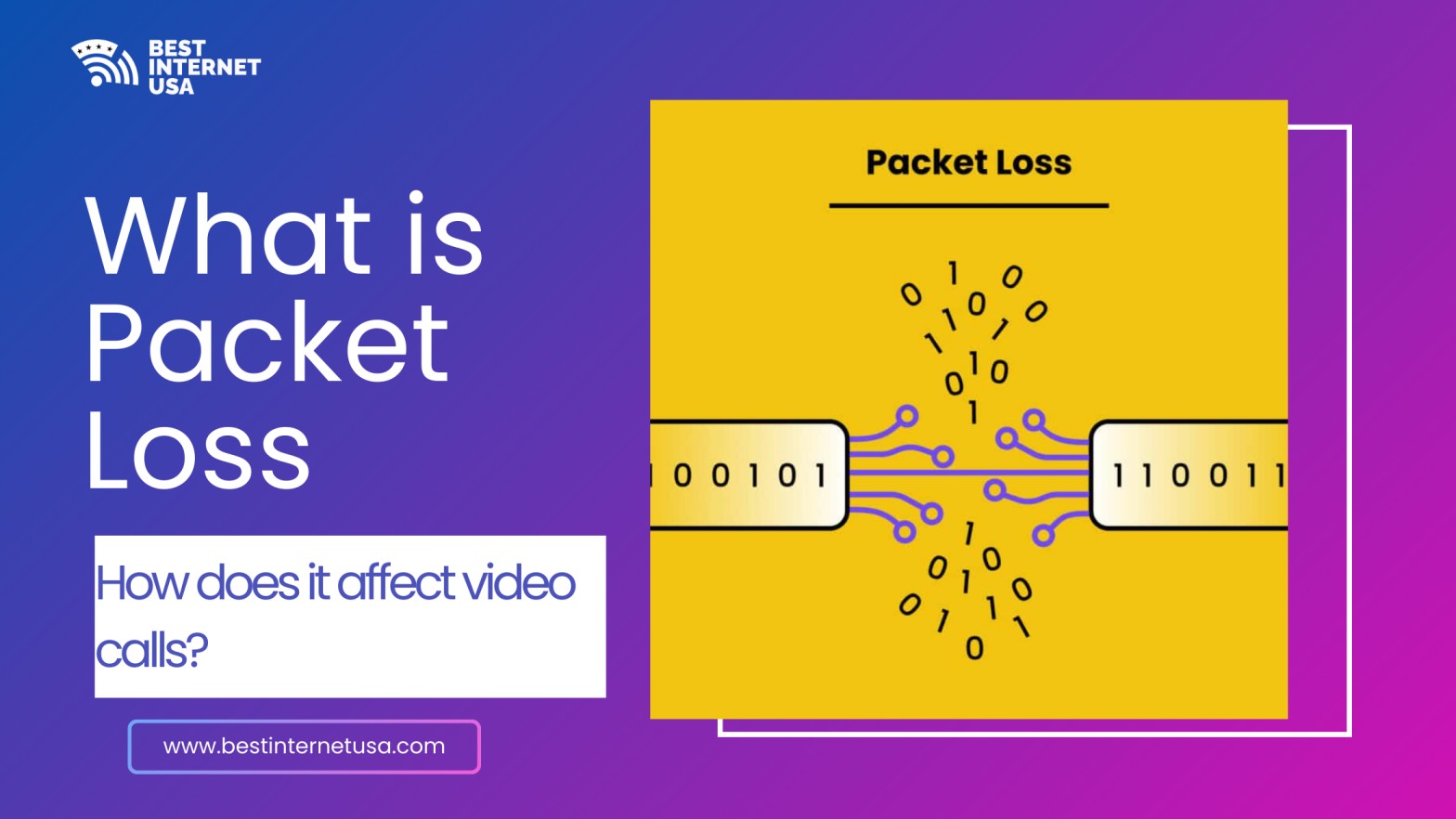
If your video meetings freeze, voices sound robotic, or calls suddenly drop, you may be asking: what is packet loss and why is it happening? Packet loss occurs when small units of data, called packets, fail to reach their destination across a network. Since video calls rely on constant, real-time data exchange, even a small percentage of lost packets can significantly impact call quality.
Understanding what is packet loss in internet connections is essential for remote workers, students, and businesses that depend on reliable communication. Even with high internet speed, packet loss can disrupt conversations, making stability just as important as bandwidth.
To understand how packet loss affects video calls, it helps to know what is a packet loss in networking. Whenever you join a meeting or send a message, your data is broken into tiny pieces called packets. These packets travel through routers and servers before reaching the recipient. If some packets are dropped due to congestion or interference, the result is packet loss. For regular browsing, lost packets may be resent automatically. However, video conferencing cannot always wait for retransmission, which leads to noticeable glitches.
When people search what is packet loss on the internet, they are often troubleshooting unstable connectivity. Packet loss is measured as a percentage:
So what is high packet loss? For video calls, anything above 2% can degrade performance.
Video calls require steady, real-time data transmission. Platforms like Zoom Video Communications, Microsoft (Teams), and Google (Google Meet) depend on consistent packet delivery.
When packet loss occurs during video calls, you may notice:
Unlike downloading a file, video calls typically use UDP (User Datagram Protocol), which does not retransmit lost packets. This is why disruptions feel immediate and frustrating.
Understanding what causes packet loss helps you resolve it effectively.
According to the Federal Communications Commission, congestion and aging network equipment are common contributors to connectivity problems.
A common question is: what packet loss is acceptable?
For business meetings, even small losses can affect professionalism and clarity.
If you’re wondering how does the internet handle packet loss, the answer depends on the protocol being used:
Because video conferencing prioritizes speed over perfect accuracy, packet loss becomes more noticeable in live conversations. Technical explanations from organizations like Cloudflare provide deeper insights into how networks manage traffic.
If you’re searching how to fix packet loss or how to reduce packet loss, try these steps:
If your current service struggles with stability, consider reviewing our faster and more reliable options to improve connection quality. Compare Internet Providers. You can also check internet speed and stability using tools like Speedtest by Ookla to run an internet packet loss test or wifi speed test.
Many users assume high internet speed guarantees smooth video calls. However, speed and stability are different.
An internet speed test measures:
But packet loss testing measures transmission reliability. Even with fast speeds, high packet loss can cause video disruptions. For calls, low latency and consistent packet delivery matter more than raw speed.
Understanding what is packet loss? is essential for maintaining clear and stable video calls. Packet loss occurs when data packets fail to reach their destination, causing frozen screens, distorted audio, and dropped connections. While fast internet speed helps, stability and low packet loss are far more important for real-time communication. Common causes include congestion, weak Wi-Fi signals, outdated equipment, and ISP issues. Fortunately, switching to wired connections, upgrading hardware, and regularly running internet packet loss tests can significantly improve performance. By focusing on both speed and reliability, you can ensure smoother video calls and a more dependable internet experience overall.
Packet loss in internet connections happens when data fails to transmit properly. Zoom calls rely on real-time packet delivery, so missing packets cause freezing and audio distortion.
Anything above 3% is considered high packet loss and can noticeably affect video quality and audio clarity.
Use a wired Ethernet connection, reduce background usage, reposition your router, and upgrade outdated equipment.
Weak WiFi signals, network congestion, faulty hardware, or ISP routing issues can cause packet loss despite high speeds.
Use tools like Speedtest by Ookla to check internet speed, ping, and packet stability to diagnose video call issues.
We help you compare internet companies in USA and find best internet plans near you.
Best Internet USA
Copyright © 2026 All rights reserved.


