
Slow internet can disrupt everything—from work meetings, live uploads and online classes to streaming and gaming. If you’re dealing with constant buffering, lags, unsymmetrical upload and download, or high latency, you’re not alone. These problems are even more common in homes with multiple users online at the same time. This troubleshooting guide will show you how to fix slow internet access with a simple step-by-step approach. Also, we’ll tell you when upgrading to fiber internet becomes the smartest long-term solution.
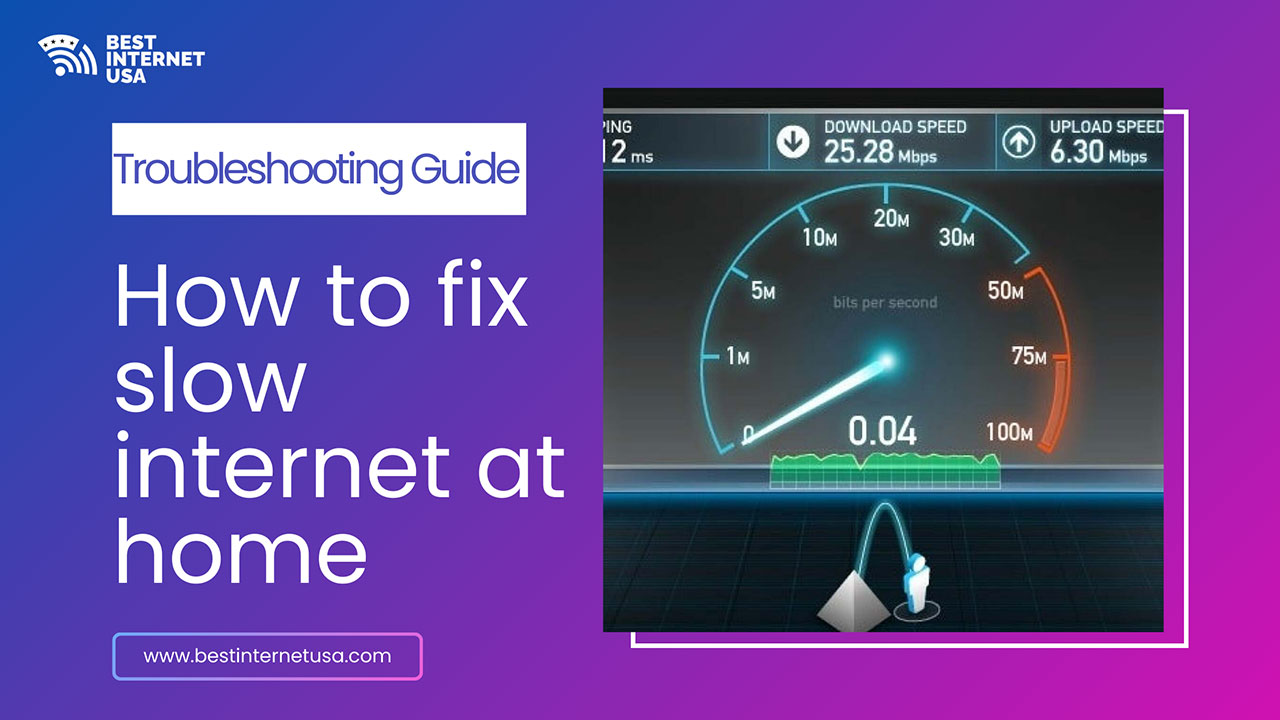
Before changing anything, confirm the issue. Run a speed test and check:
What your results mean
According to Ookla, a notable industry forerunner spearheading connectivity intelligence gathering through its multiple tools, 100 Mbps download and 10 Mbps upload speeds are generally fast enough for everyday online needs, supporting 4K streaming on multiple connected devices, large file downloads, and smooth gaming in the same home. This helps determine whether quick fixes will work—or if your connection is the bottleneck.
A restart can instantly fix many slow internet problems. Here’s why it works:
If restarting only helps briefly, outdated internet devices may be limiting your speeds.
Weak Wi-Fi is one of the top causes of buffering and slow internet speed. You can optimize Wi-Fi by:
In larger homes, poor Wi-Fi coverage often feels like slow internet—even when your plan is fast.
When multiple users stream, work, and game at the same time, older connections struggle. Common network congestion issues may be
Here’s what helps here
If network congestion happens daily, your plan may no longer meet your household’s needs.
Sometimes the issue isn’t your internet connection—it’s the device. Here are a few quick fixes:
Outdated devices often cause slow downloads and slow uploads even on good connections.
An unsecured network allows others to use your bandwidth. You can secure your Wi-Fi by:
A secure network improves both speed and reliability.
Wi-Fi convenience doesn’t always equal performance. If you still experience slow internet, lags, or buffering after troubleshooting, the issue may be your connection type. Reliable connectivity is essential for:
Older internet technologies struggle during peak usage, increasing latency and slowing performance—especially in busy households.
Fiber internet solves slow internet problems at the source by offering:
If fixes only provide short-term relief, fiber internet is the most effective long-term solution. Stop troubleshooting the same problems again and again.
You likely need a faster plan if you experience:
Fiber internet delivers the speed, stability, and reliability today’s homes need.
Slow internet isn’t always a technical failure—it’s often a mismatch between your connection and how your home uses the internet. While troubleshooting helps, fiber internet is the most reliable way to eliminate buffering, lag, slow uploads, and high latency—especially for households with multiple users. If you’re still searching for how to fix slow internet, contact our team today to find the best internet plans near you that are fast and hasslefree.
Use this checklist anytime your internet connection feels slow:
Your internet may slow down due to network congestion, outdated equipment, too many connected devices, or temporary service issues in your area.
Run a reliable internet speed test while connected directly to your WiFi or modem to compare your actual speeds with your internet plan.
Yes, placing your router in a central, open location can significantly improve WiFi coverage and reduce slow or weak signals.
Yes, multiple devices streaming, gaming, or downloading at the same time can reduce available bandwidth and slow your internet connection.
Restarting your router and modem can refresh the connection and resolve temporary performance issues.
We help you compare internet companies in USA and find best internet plans near you.
Best Internet USA
Copyright © 2026 All rights reserved.