
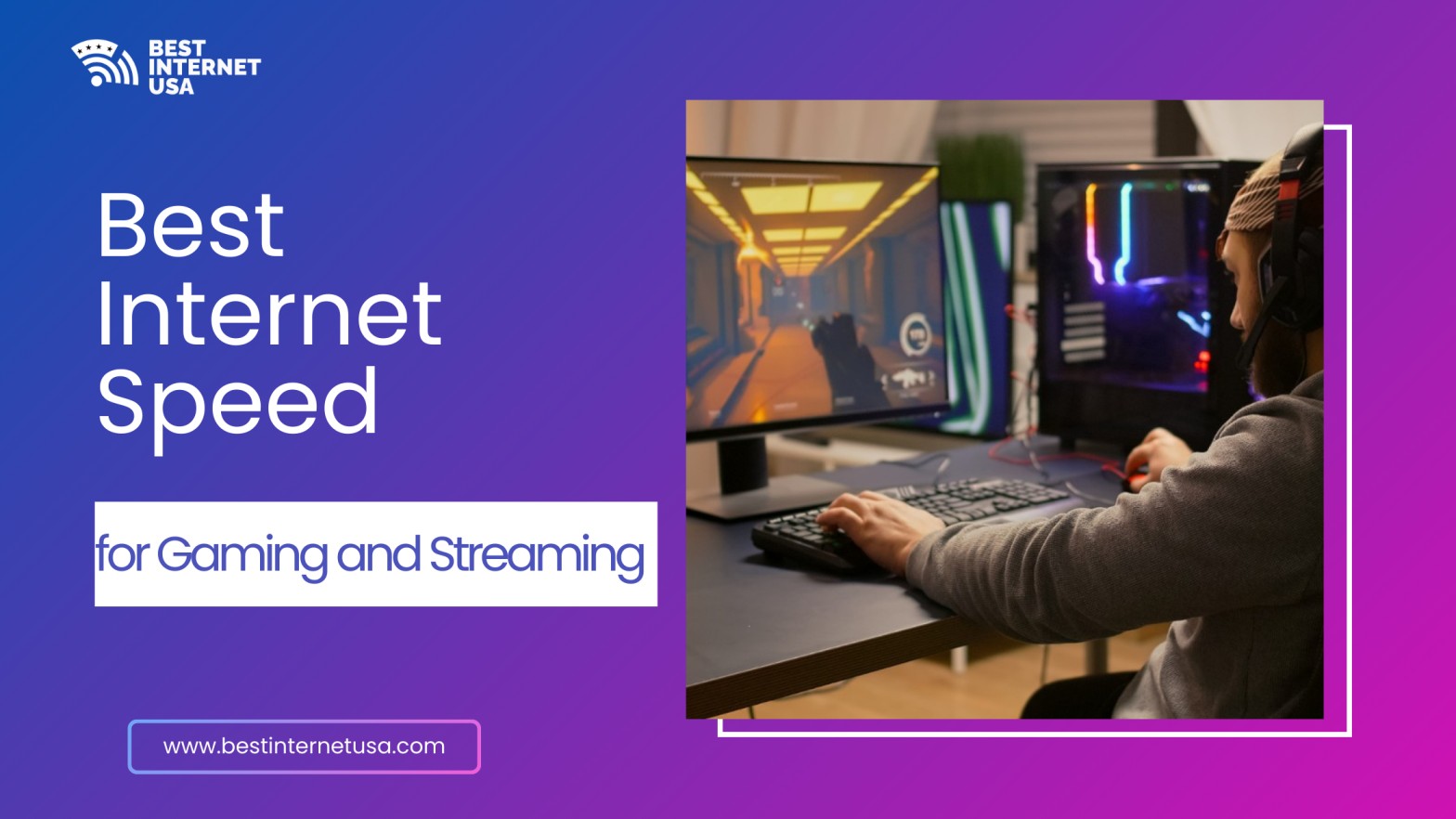
If you’re wondering about the best internet speed for gaming and streaming, you’re not alone. With 4K video, live Twitch broadcasts, and competitive online games becoming more demanding, choosing the right speed is critical. Slow connections cause buffering, lag spikes, and frustrating disconnects — especially when multiple devices are connected at home.
Whether you play on PC, PS4, PS5, Xbox, or stream Netflix in 4K, this guide explains exactly how much speed you need and how to choose the right plan.
The best internet speed for gaming and streaming depends on what you do online and how many devices are connected.
Here’s a simple breakdown:
Activity | Recommended Download Speed | Recommended Upload Speed |
Online gaming | 25 Mbps | 3–5 Mbps |
HD streaming | 25 Mbps | 3 Mbps |
4K streaming | 50–100 Mbps | 5 Mbps |
Twitch live streaming | 100 Mbps | 10–20 Mbps |
Multiple users (4–6 devices) | 200–500 Mbps | 20 Mbps |
For most homes, 100–300 Mbps is the sweet spot.
When people ask, What is the best internet speed for gaming online? the answer isn’t just about download speed.
Competitive players on PC, Xbox, or PlayStation should prioritize low ping over extreme speeds.
If you want deeper guidance on providers, contact our team to identify the best suitable option based on your requirement.
Streaming requires more consistent download bandwidth than gaming.
According to Netflix’s official recommendations, 15 Mbps is the minimum for HD, and 25 Mbps for 4K per stream.
If multiple people stream at once, aim for 200 Mbps or more. A single 4K stream may use 25 Mbps, but two or three streams can quickly increase demand.
For platforms like Netflix, Disney+, or Prime Video:
If someone is gaming while another person watches 4K Netflix, 200 Mbps is recommended to avoid congestion.
Live streaming requires strong upload speeds.
If you’re gaming and broadcasting on Twitch:
Upload speed is critical here. Cable internet often has lower upload capacity compared to fiber.
For families:
If you work remotely while gaming at night, upgrading to 300 Mbps ensures smooth Zoom calls and downloads.
An outdated router can bottleneck even fast plans. Use Wi-Fi 6 or wired Ethernet for best results.
Streaming movies and video streaming can consume hundreds of GB per month. Unlimited plans are best for heavy users.
For most people, no.
Gigabit (1000 Mbps) is useful if:
Otherwise, 300 Mbps is more than enough.
Choosing the best internet speed for gaming and streaming depends on your habits, household size, and whether you stream live or just watch content. For most homes, 100–300 Mbps delivers reliable performance without overpaying.
Competitive gamers should focus on latency and connection stability, while streamers need strong upload speeds. Fiber internet remains the top choice where available.
If you’re upgrading your connection, consider both speed and reliability — because when it comes to gaming and streaming, consistency is everything.
For smooth gaming and 4K streaming simultaneously, 200–300 Mbps download and at least 15 Mbps upload is recommended.
At least 100 Mbps for two 4K streams, but 200–300 Mbps is safer for buffer-free performance.
You need 100–300 Mbps download and 10–20 Mbps upload for stable Twitch broadcasting while gaming.
A 200–400 Mbps plan handles gaming, Netflix 4K, and multiple smart devices easily.
25–50 Mbps is technically enough, but low latency under 20 ms matters more than raw speed.
We help you compare internet companies in USA and find best internet plans near you.
Best Internet USA
Copyright © 2026 All rights reserved.